




RingoSpin Application
In the modern world, users want to be flexible and be online anywhere. With the RingoSpin app, it’s possible. You get access to all your favorite games, bonuses and other functionalities just by visiting our mobile browser version or installing the app. Both are compatible with all modern Android and iOS devices.



RingoSpin App Features
To play on the go, you only need a mobile device and a stable internet connection. We offer two convenient options: the website and the RingoSpin app. Both are the reflection of the main desktop version, offering the same games, payments, customer support and promotions. Now you’re not limited by the location of your house or PC.
The mobile software is developed as a progressive web application (PWA). You can easily install it from our Ringo Spin Casino website. If you want to find more information about this option, you’ll find the main features below:
- Fast loading speed thanks to lightweight architecture and caching
- Quick installation without app store downloads
- Automatic updates with no manual installations required
- Low storage usage compared to native apps
- Push notifications for promotions, updates, or alerts
- Secure access via HTTPS and modern encryption standards
RingoSpin App – iOS
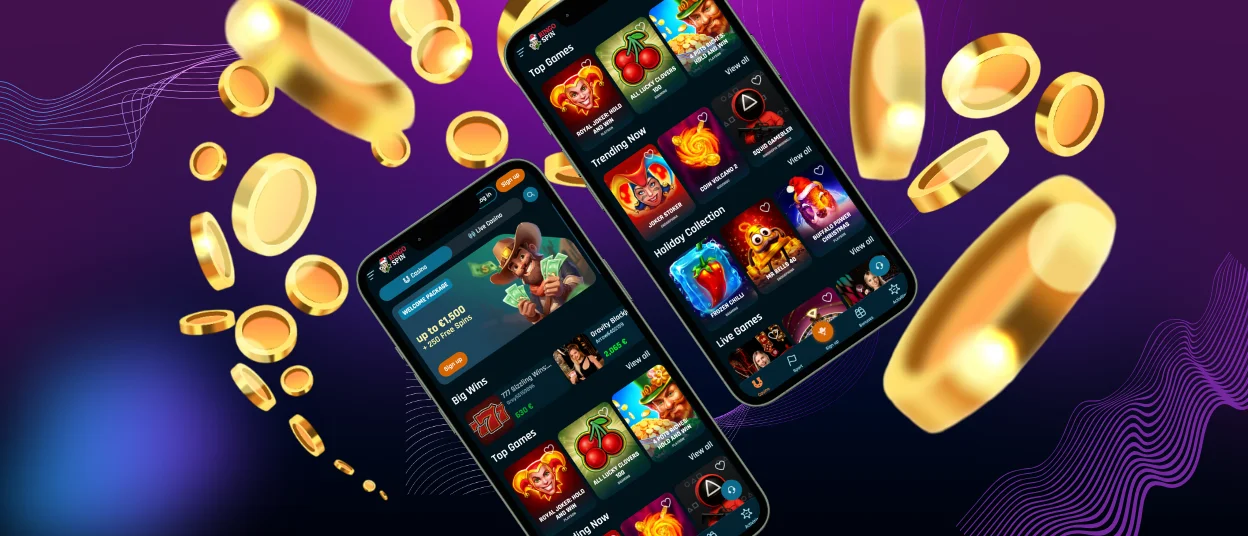
For a more convenient gaming experience, we created the mobile software for iOS. It doesn’t matter whether it’s an iPhone or an iPad – you can enjoy all the features of RingoSpin. Users have access to all the same functionalities, such as gaming, registration, payments and the verification process.
Your journey on a mobile device will be safe and secure. As a licensed online casino, we follow all the necessary regulations and protocols of the industry. We also use the web application firewalls to prevent application-layer attacks.
All iOS players can install the app within a few minutes. If you encounter any issues regarding the installation process, please contact our helpful support service. Follow our instructions below to make it quick and with no additional issues.
| Step | Details |
| Go to the RingoSpin Casino website | Visit our platform from your iOS device in any preferred mobile browser. |
| Click the “Casino App” button | The button is located in the footer of the website. |
| Select “Installation” | On the newly appeared page in the middle of the screen, the needed button will be. |
| Complete the installation | The process will be done in 2 minutes. After that, the icon will be located on your home screen. |
RingoSpin App for Android OS
Android users can get access to the RingoSpin Casino platform without any issues. It’s possible even without downloads of APK files, which can be harmful to your device. Just visit our website in any preferred browser. The whole game collection is available for our Android users, including online slots, table games, live dealer options and instant win titles.
Our mobile casino is also available through a dedicated RingoSpin app. It will provide you with a more personalized experience. The installation is quick and easy and can be completed straight from our website. Just go to our website from your smartphone or tablet, click the three-dot button in the address bar of your browser and choose “Add to home screen.” In a second, the Ringo Spin icon will appear on your main screen.
Security Permissions
Security permissions in the RingoSpin app are designed to protect user data while ensuring smooth, secure functionality. The mobile software only requests essential permissions, such as internet access for real-time gameplay and notifications for important account or promotional updates. No unnecessary access to personal files, contacts or device data is needed.
Ringo Spin Casino – Desktop Version
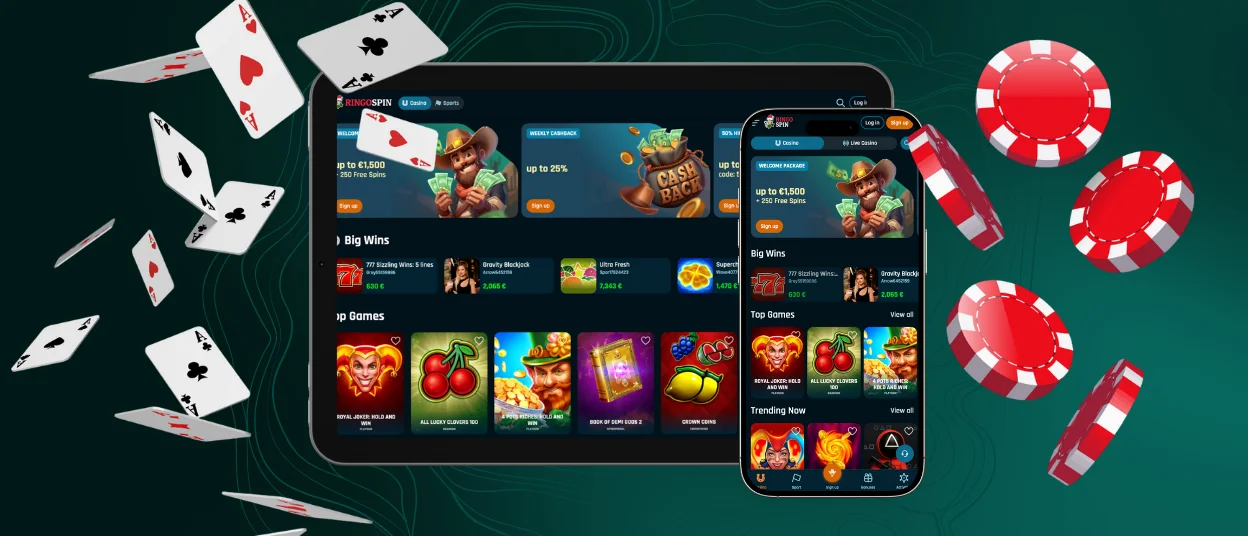
Even though there are many people who prefer to play on a mobile device, sometimes it’s more convenient to have a large screen and enjoy the warmth of your house. That’s possible with Ringo Spin Casino for PC, compatible with Windows and macOS. We use innovative 1.3. TLS encryption to keep your personal information secure, regardless of the device you use.
For quicker access, players can install a shortcut icon. In this case, you don’t need to open your browser and search for the website you want. You can simply click on the icon on the home screen. If you prefer to use different devices, just log in to your account on them and your personal details will be synchronized between them.
Optimized Interface for Touch Controls
It’s important to have mobile software that is intuitive, responsive and comfortable to use on smartphones and tablets. That’s why the interface was fully optimized for touch controls. Buttons are carefully sized and spaced to prevent accidental taps. Games load in full-screen mode, maximizing visibility and immersion without clutter. Touch-optimized layout allows our players to place bets and spin reels effortlessly.
If something doesn’t work correctly on your mobile device, please contact our support team via the built-in live chat or email.
FAQ
Is the App Optimized for Tablets and Larger Screens?
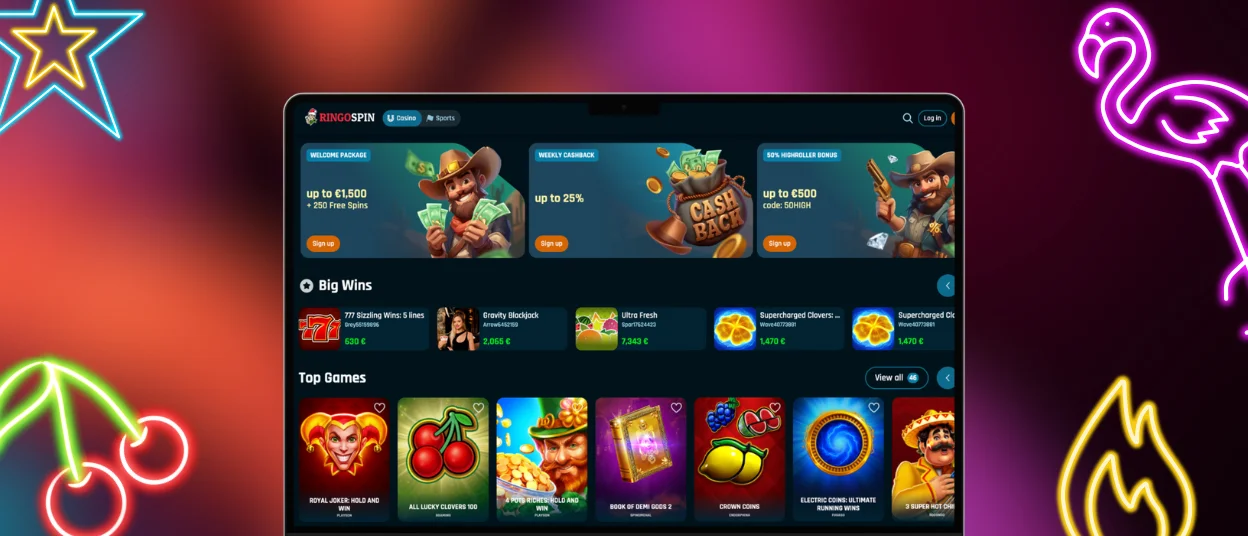
The mobile software of RingoSpin Casino is fully optimized for modern devices, including smartphones and tablets. It will adapt to the screen size and resolution, providing you with a great user experience.
Does the PWA Update Automatically?
You don’t need to take any additional actions to update the progressive web app, as everything happens automatically. If there are major changes, we’ll inform you via notifications and email.
Are All RingoSpin Games Available in the App?
The full game collection with over 6,000 titles is available in the Ringo Spin mobile version. All titles adapt to your device perfectly. Players especially like the live casino games broadcast in high quality.


